Getting Started
Control panel
Control panel
To use DrCRM, you must first log in to the Admin Panel, where the Dashboard interface will appear immediately after logging in. The dashboard provides an overview of sales processes and key CRM data using various graphs and statistics.
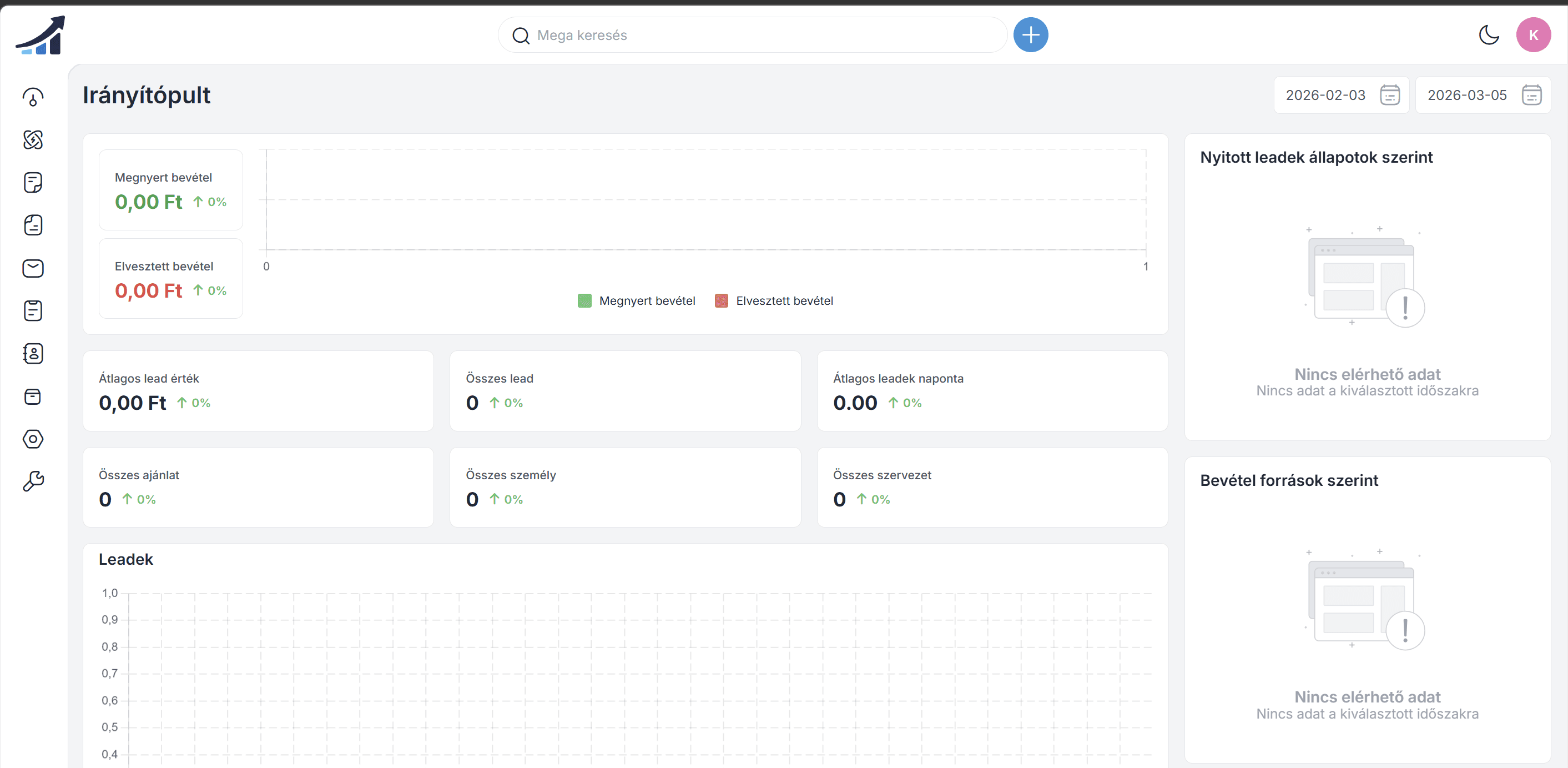
The first section shows closed leads, where the system separately marks winning (green) and lost (red) leads.
Join our Community Forum
Any other questions? Get in touch