Getting Started
Email Management
Letter
Email can be used for various purposes, such as sending messages, sharing information, collaborating on projects, and business communication.
The system allows you to set up your own email address for both sending and receiving. You can find this under the IMAP and SMTP settings on the Configuration page: https://drcrm.hu/configuration
Write a New Email
To: A "To" field where you should enter the recipient's email address.
Subject: The "Subject" field is the title of the message, where you specify what the email is about.
Next comes the mainbody of the email, where you write the content of yourmessage.
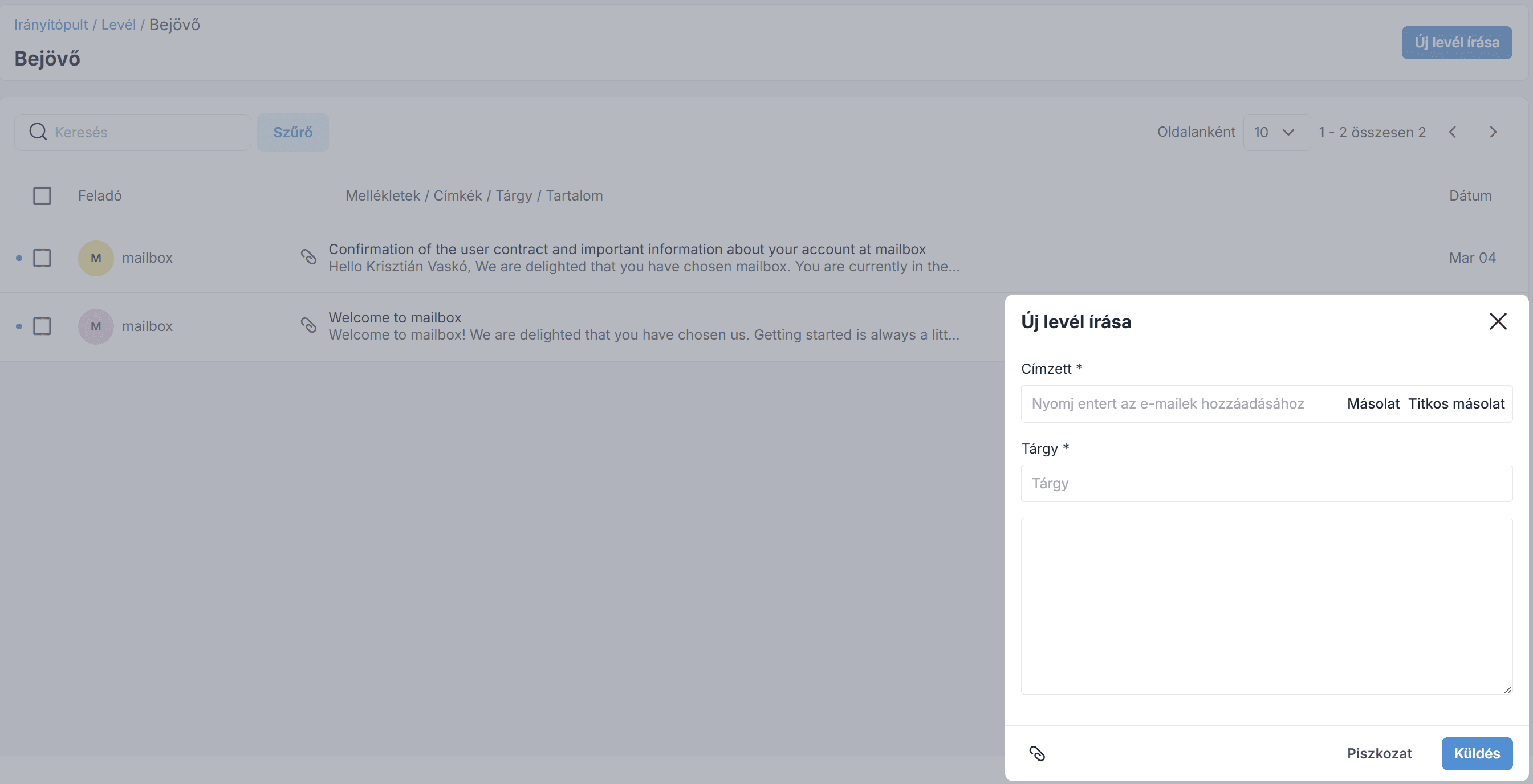
Attaching a file: You can attach files if you want to include them in your email.
Save as a draft: You can also save the email as a draft.
Incoming mail
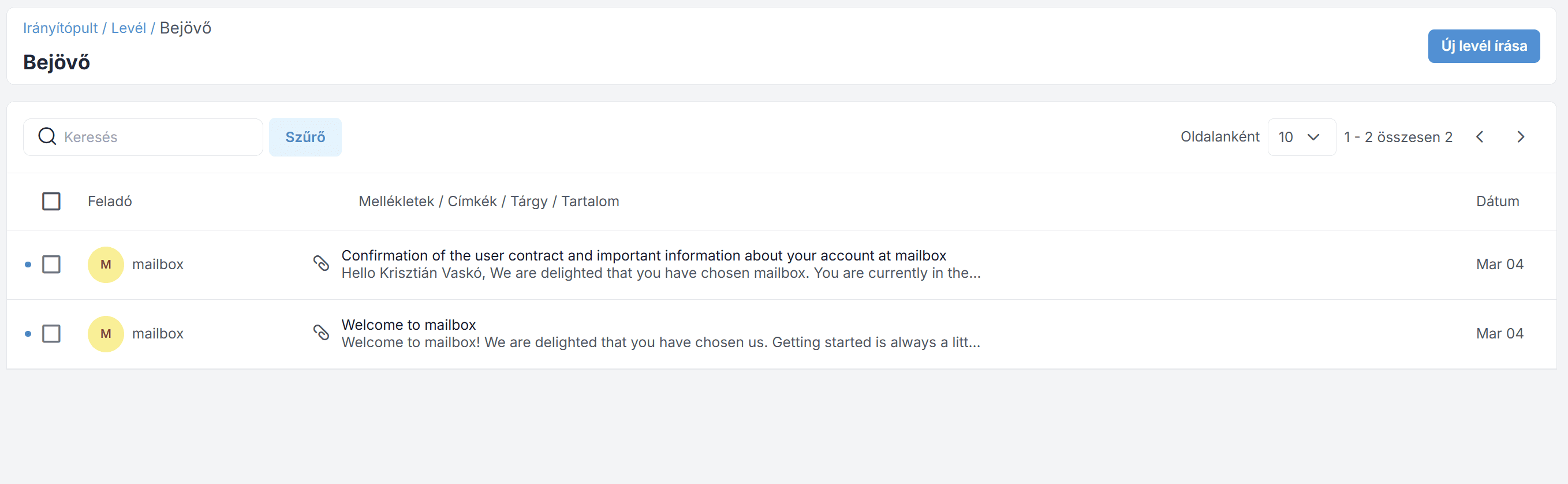
Here you can view all your incoming emails. You can search through your emails using the "Search" field. To perform an action, check the email using the checkbox, select the desired action from the drop-down menu, and then click to execute it.
Drafts
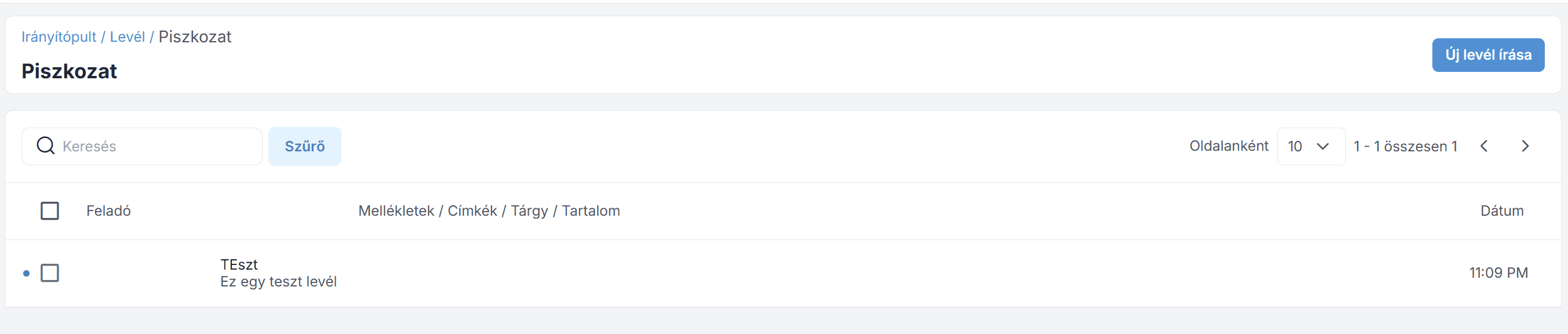
If you saved the message as a draft while writing an email, you'll find it in this section. You can edit or delete the message using the "Actions" tab shown in the image below.
Outgoing mail
The "Outbox" folder in your email client contains messages that you have already written but have not yet sent.
Messages remain in the Outbox until they are successfully sent; after that, they are moved to the Sent Items folder.
The list of outgoing emails appears as shown in the image below.

Sent emails
In this menu, you can view all the emails you've sent. Using the "Actions" menu, you can view or delete messages if you no longer need them.

Trash can
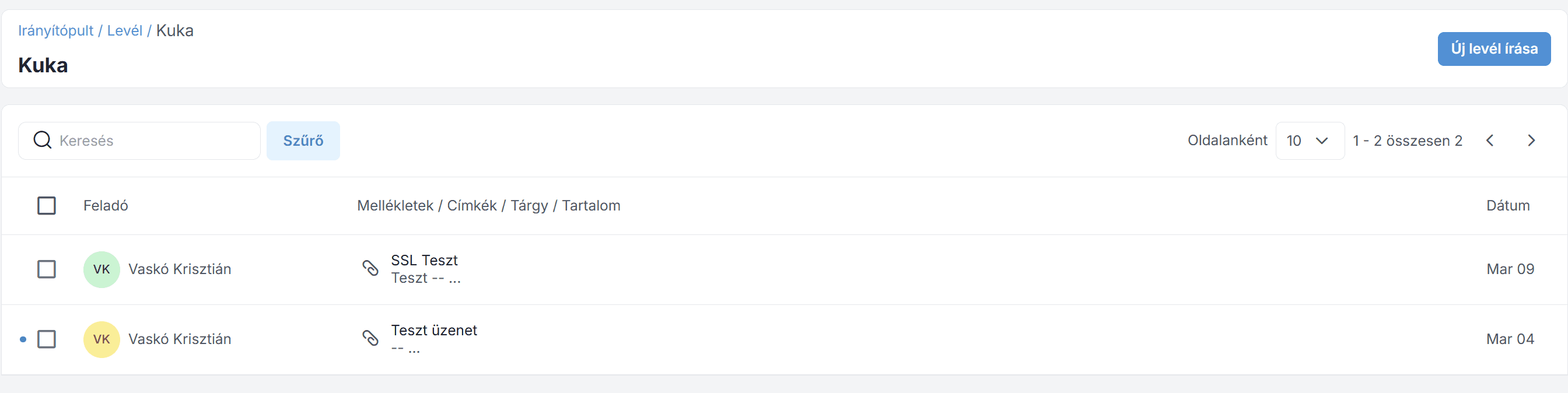
The Trash folder is where emails are temporarily stored after you delete them from your Inbox or other folders. Emails in the Trash are usually automatically and permanently deleted after a certain period of time (for example, after 30 days).
The list of deleted emails appears as shown in the image below.
Filters
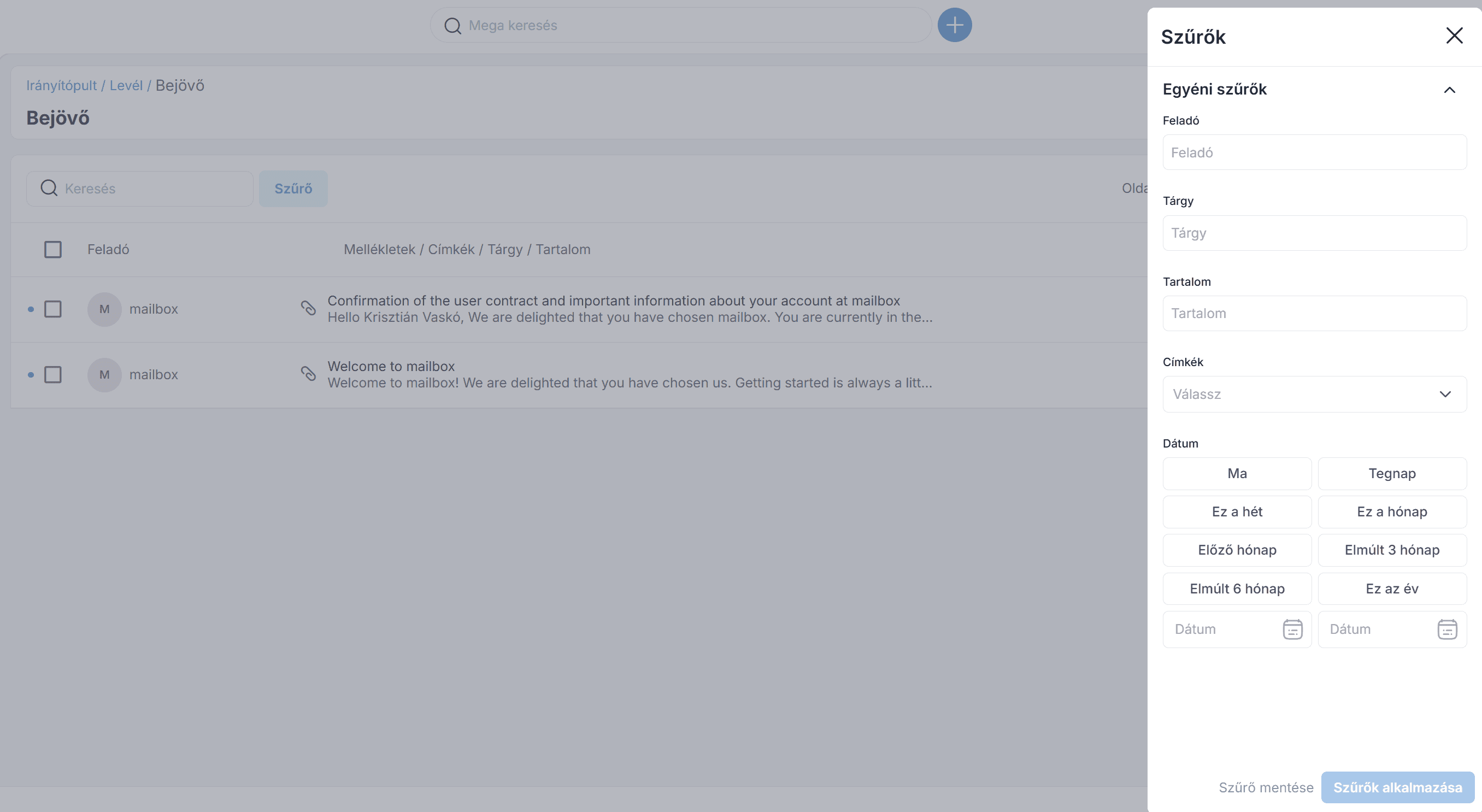
You can use the filter to search for specific emails. To do this, you need to enter the sender, subject, label name, and creation date.
The same filtering option is available in the Drafts, Inbox, Sent, and Trash folders.
Join our Community Forum
Any other questions? Get in touch