Getting Started
Products
Product Management
These products include tools and features designed to facilitate the effective management of customer relationships. These include, among others, contact management, sales automation, marketing automation, customer service and support, analytics and reporting, integration capabilities, mobile CRM, customization and scalability, as well as artificial intelligence and machine learning features.
Creating a product in the CRM system
Step: Go to the CRM admin interface, then click on the Products → New Product menu item, as shown in the image below.

Step: Briefly provide the following information:
Name – Enter the product name
Description – Enter the product description
SKU – Enter the product's SKU
Price – Enter the price of the product
Quantity - Enter the quantity
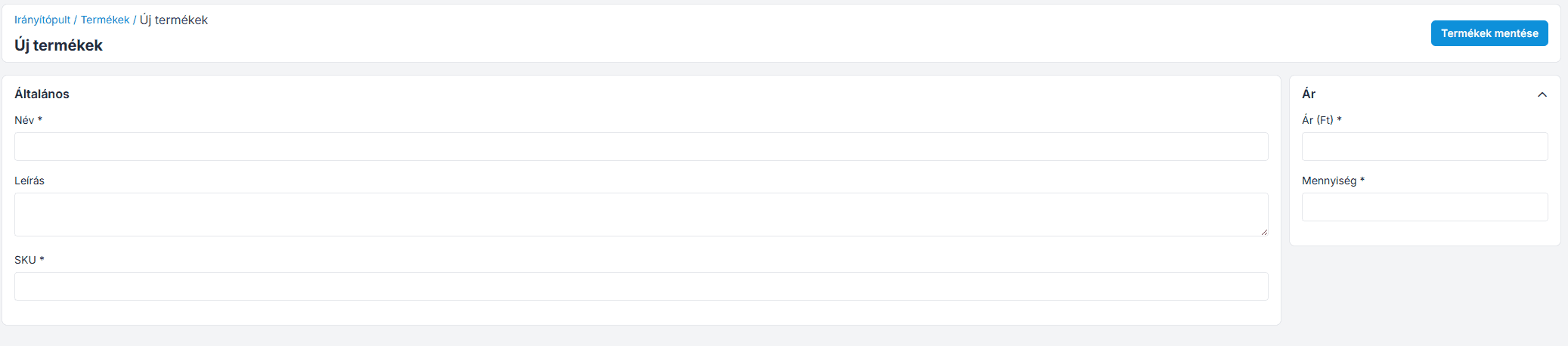
Then click the " Save Products " button, and the product will appear in the list.
Join our Community Forum
Any other questions? Get in touch