Getting Started
Invoices
Invoices issued
In this menu, you will find a list of the invoices that were generated in this system from quotes via the Kontozz system.

To generate an invoice from a quote, you must first link your CRM to your Kontozz profile. You can do this by clicking the Settings button in the upper-right corner.
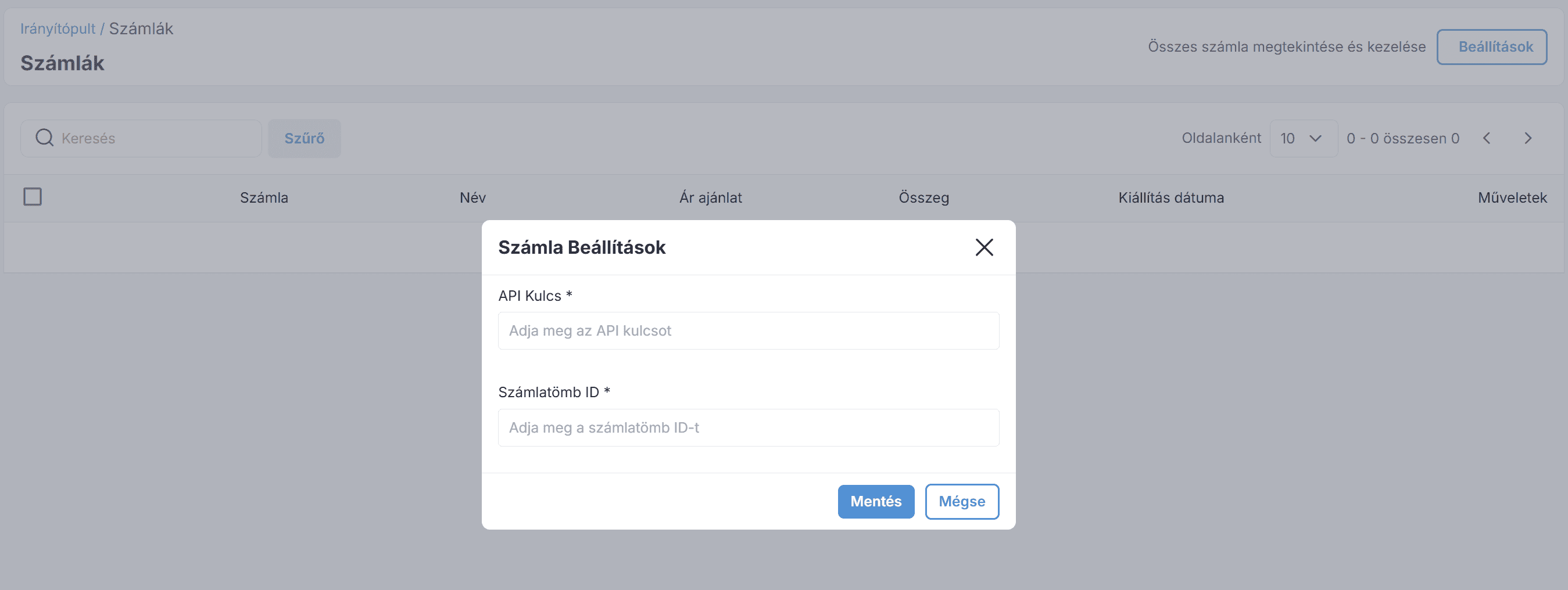
Here, you need to enter the following information:
API key: Enter the API key found in the Integrations menu of the Kontozz system. Learn more: Managing integrations
Invoice Book ID: Enter the ID of the invoice book you want to use to generate invoice numbers. Learn more: Managing Invoice Books
If all the information has been entered correctly, you can generate an invoice from the quote after saving it.
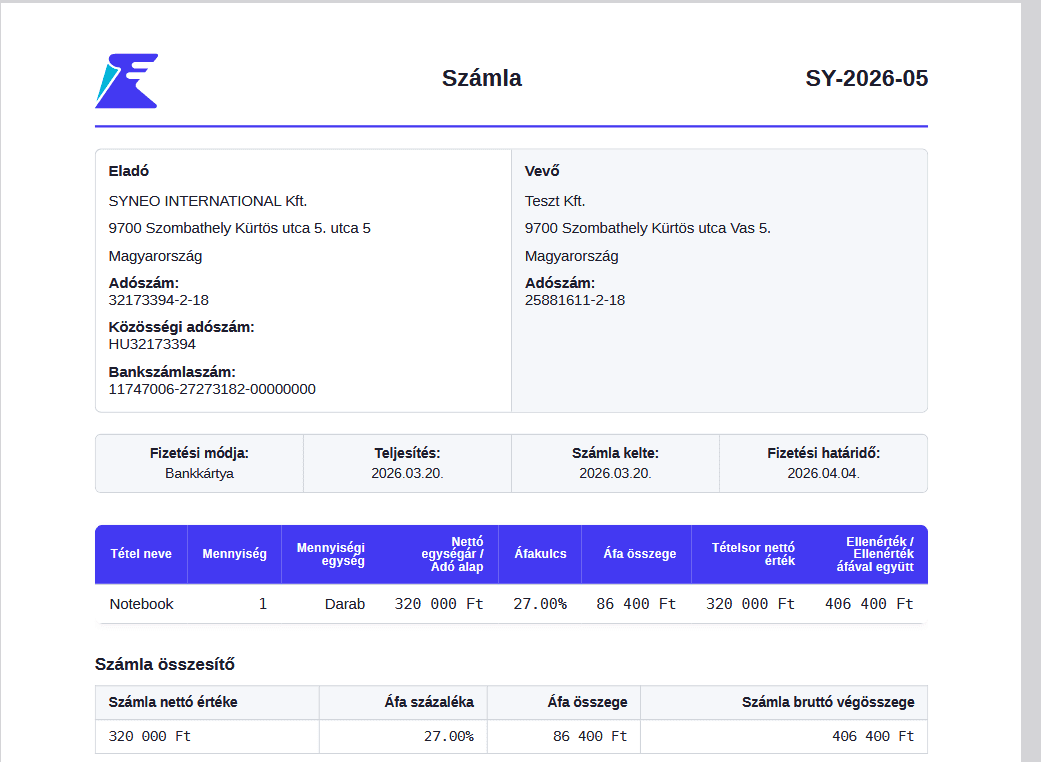
The following image shows a completed invoice:

During these operations, we have the following options:
View an invoice in the Kontozz system
Download invoice as a PDF
Delete
Example of an invoice issued through the system:
Join our Community Forum
Any other questions? Get in touch