Getting Started
Structure
The structure of CRM
CRM consists of the following main parts:
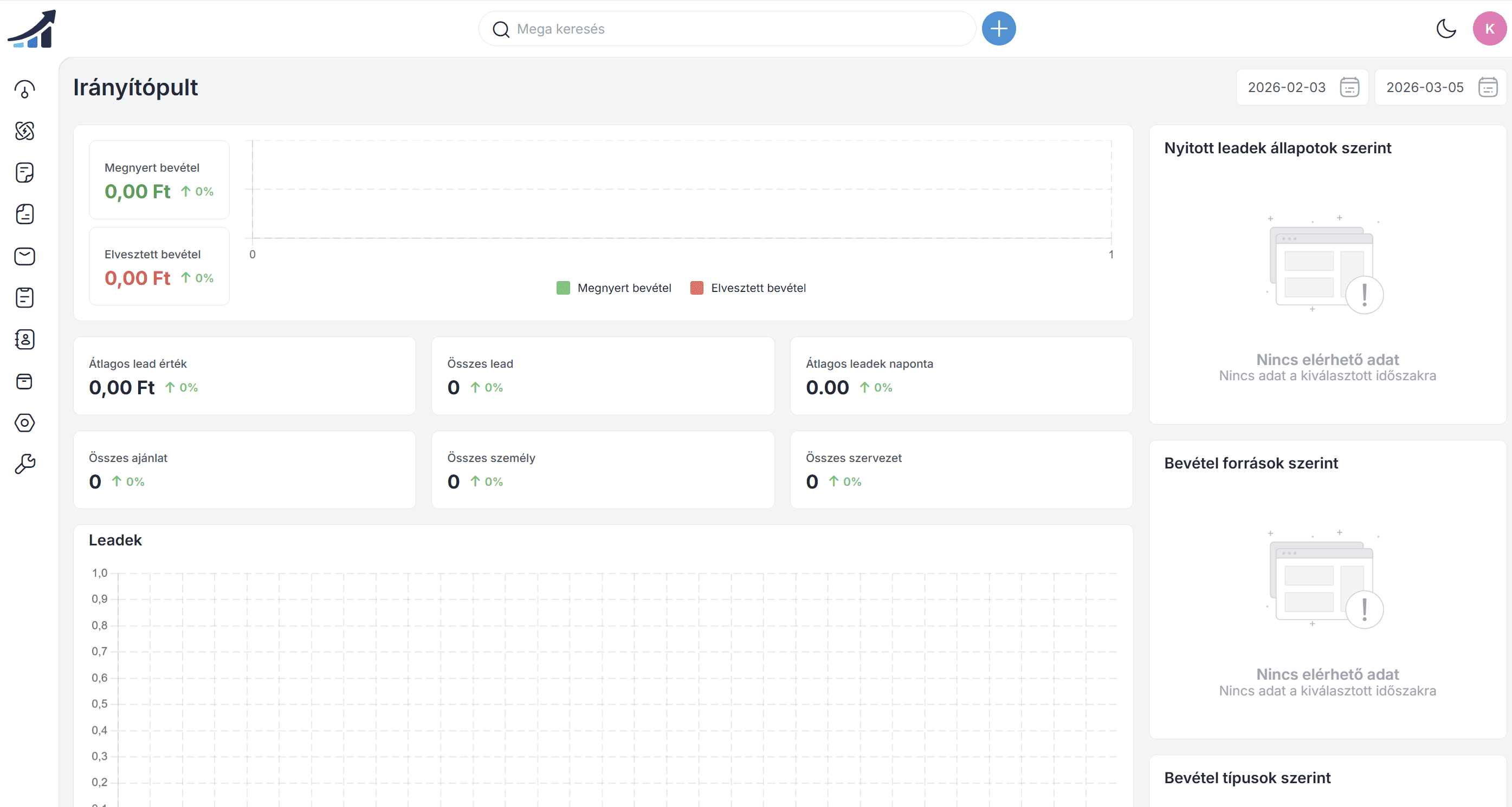
Control panel
The control panel is the central interface of the DrCRM system, providing a quick overview of the company's sales and customer management processes. The dashboard displays key data such as current opportunities, leads, ongoing activities, and sales performance using various graphs and statistics.
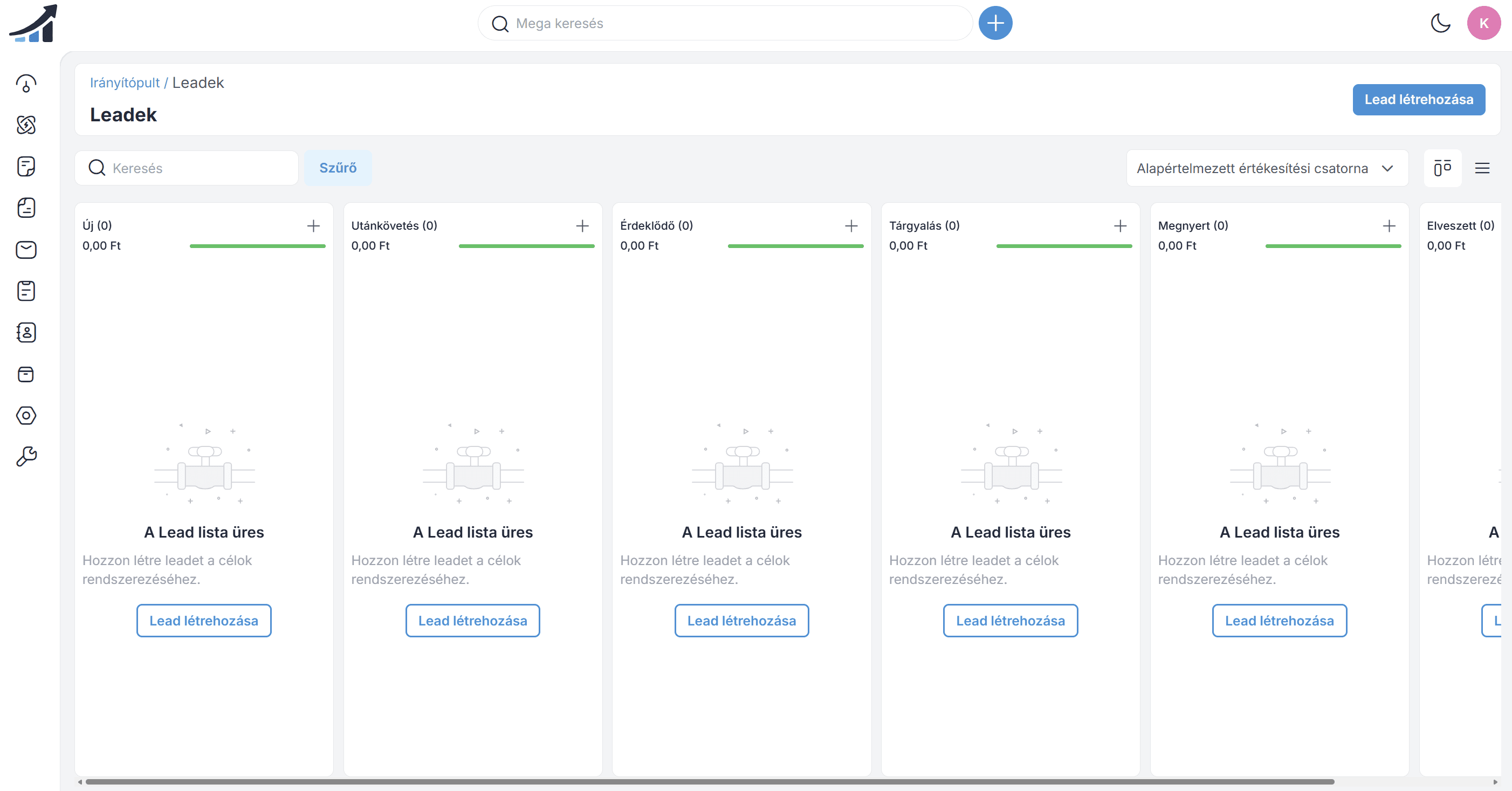
Interested parties
An inquiry is a potential customer or prospective buyer. Generating inquiries in CRM is the first step in the sales process. Inquiry data sheets are used to store all known information about a given inquiry, including the company name, address, contact details, and current position in the sales funnel.
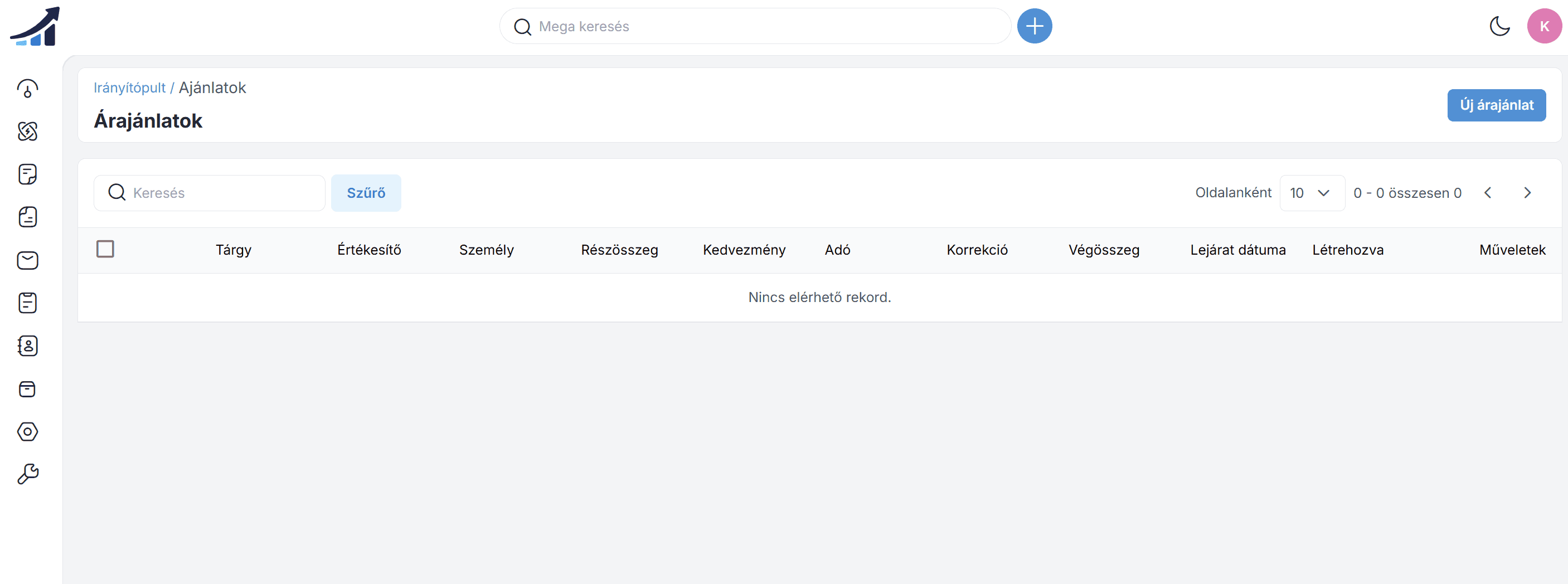
Offers
In CRM, quotes are usually formal proposals or price quotes prepared for potential customers. They contain the products or services offered and their prices.
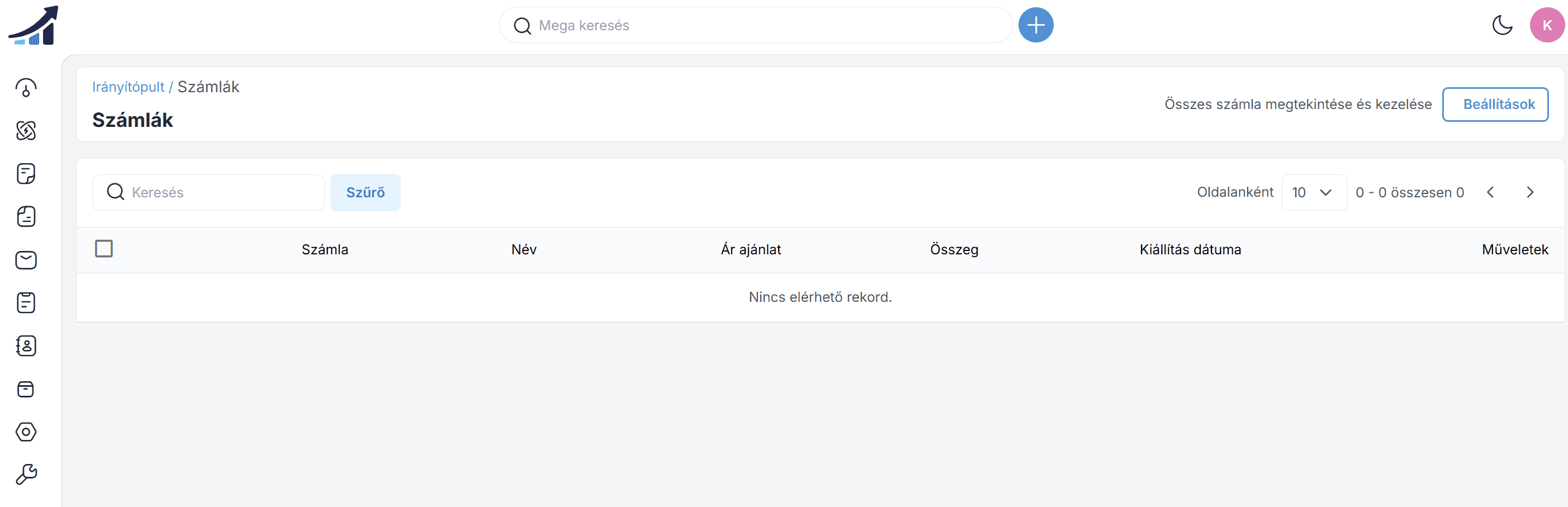
Invoices
The Invoices section contains invoices issued from the CRM via the Kontozz system .
Letter
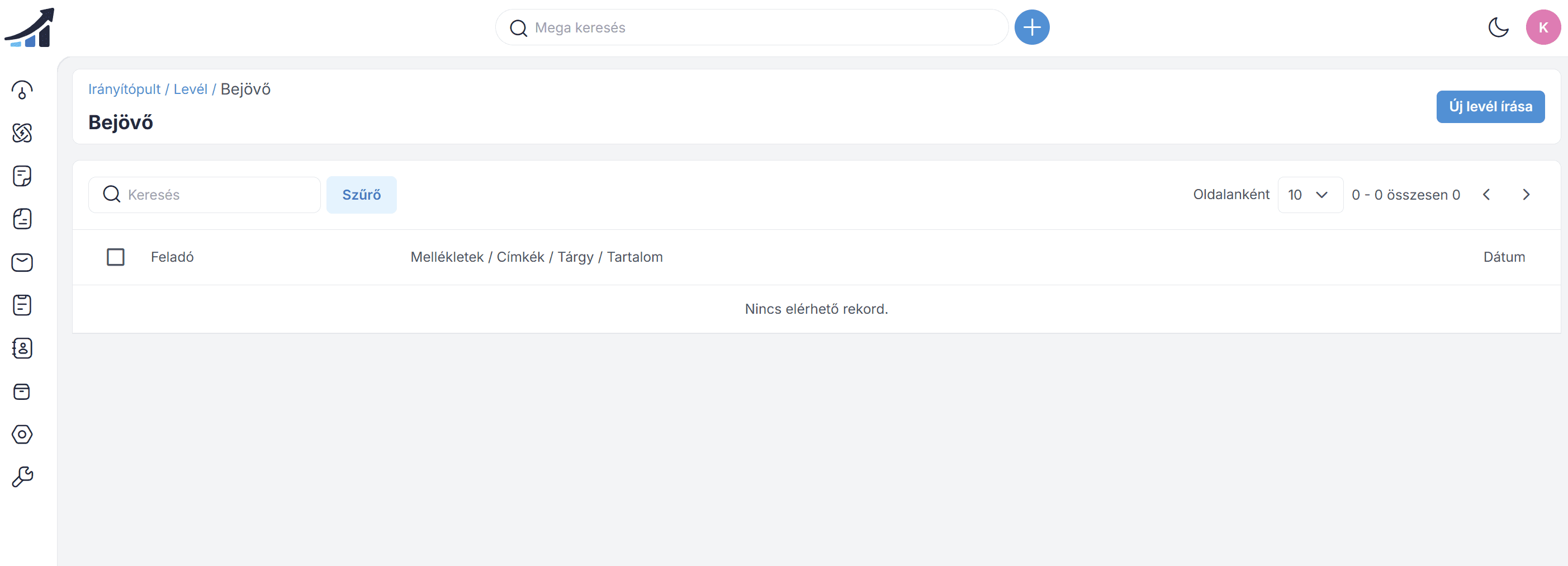
"Mail" generally refers to electronic correspondence, commonly known as email. It is a form of digital messaging that allows messages to be exchanged using computers, smartphones, or tablets. Email is a widely used means of communication in both personal and business settings.
Activities
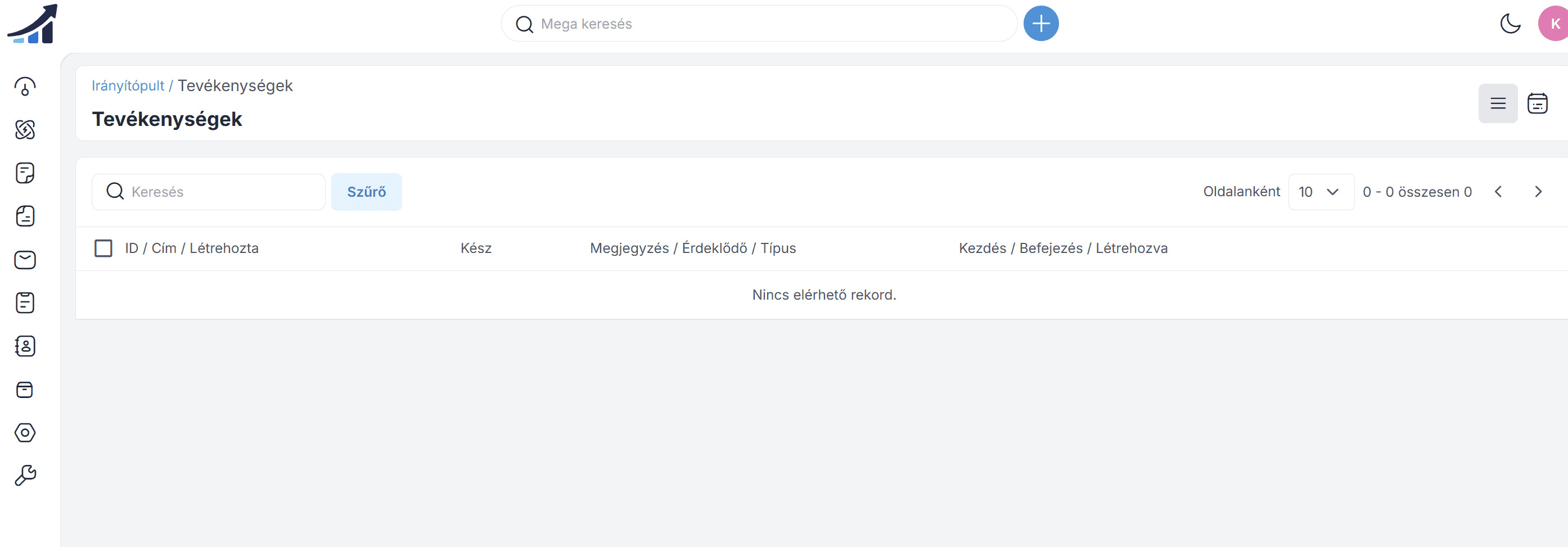
Activities in CRM refer to interactions, tasks, or events related to customers or prospects. These can include various activities carried out by sales, marketing, and customer service teams aimed at building customer relationships, nurturing prospects, and supporting ongoing communication.
Contacts
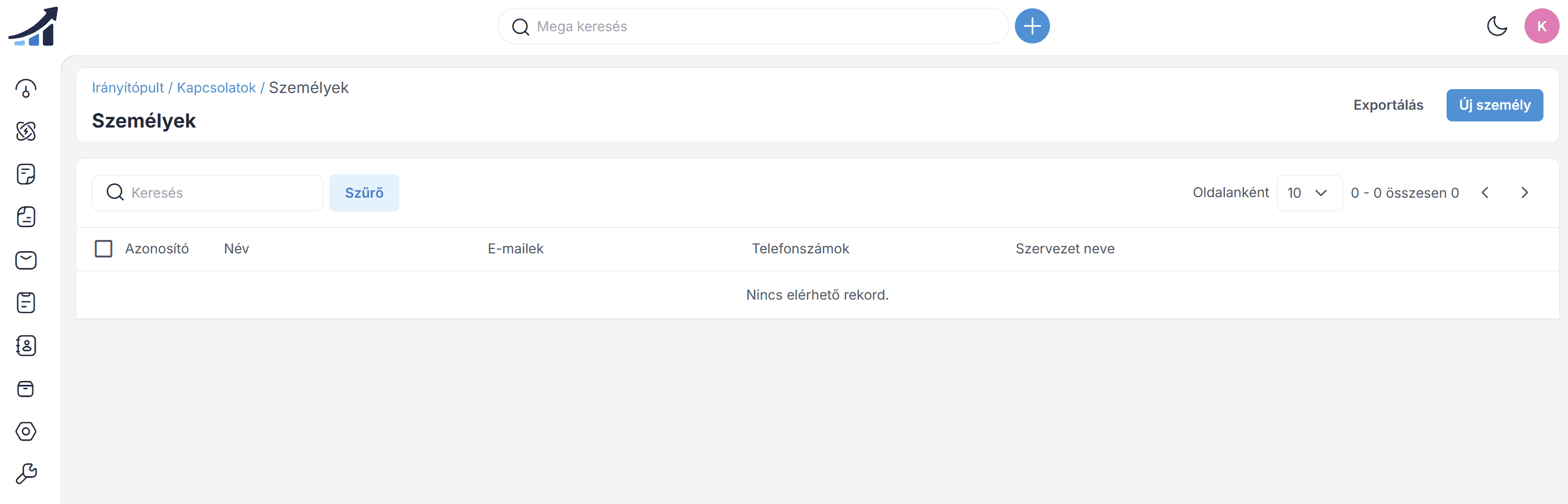
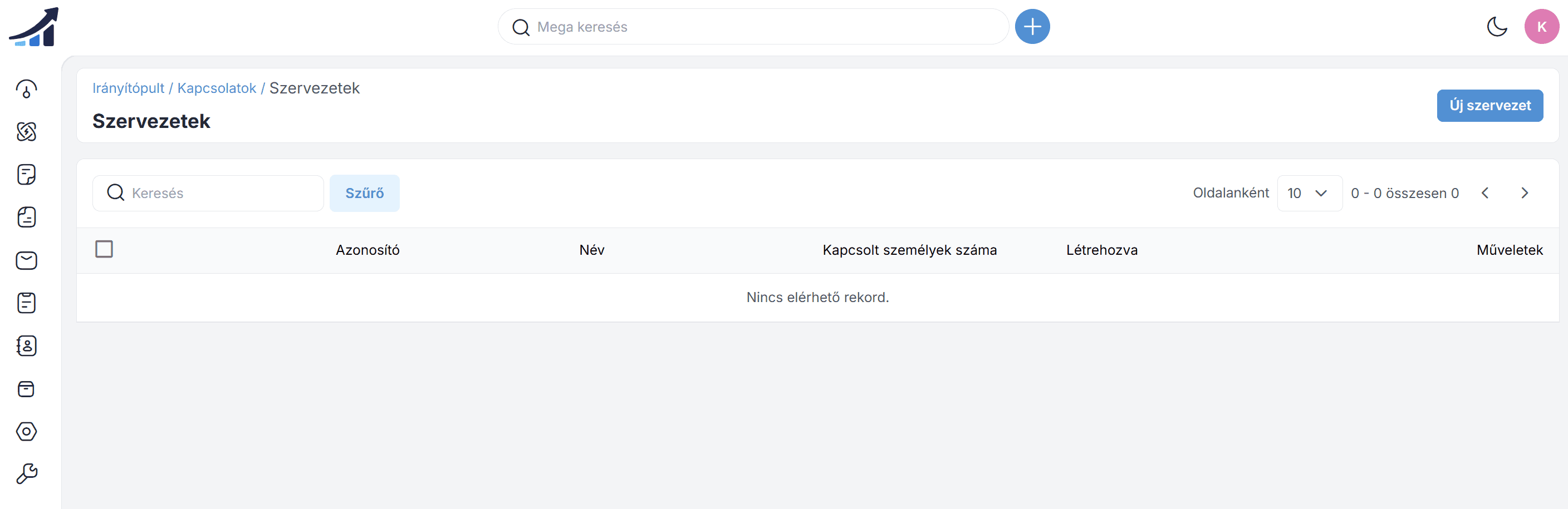
Relationships refer to individuals or organizations with whom the business has a relationship or wishes to establish a relationship. This may include existing customers, potential prospects, partners, suppliers, or other parties relevant to the business.
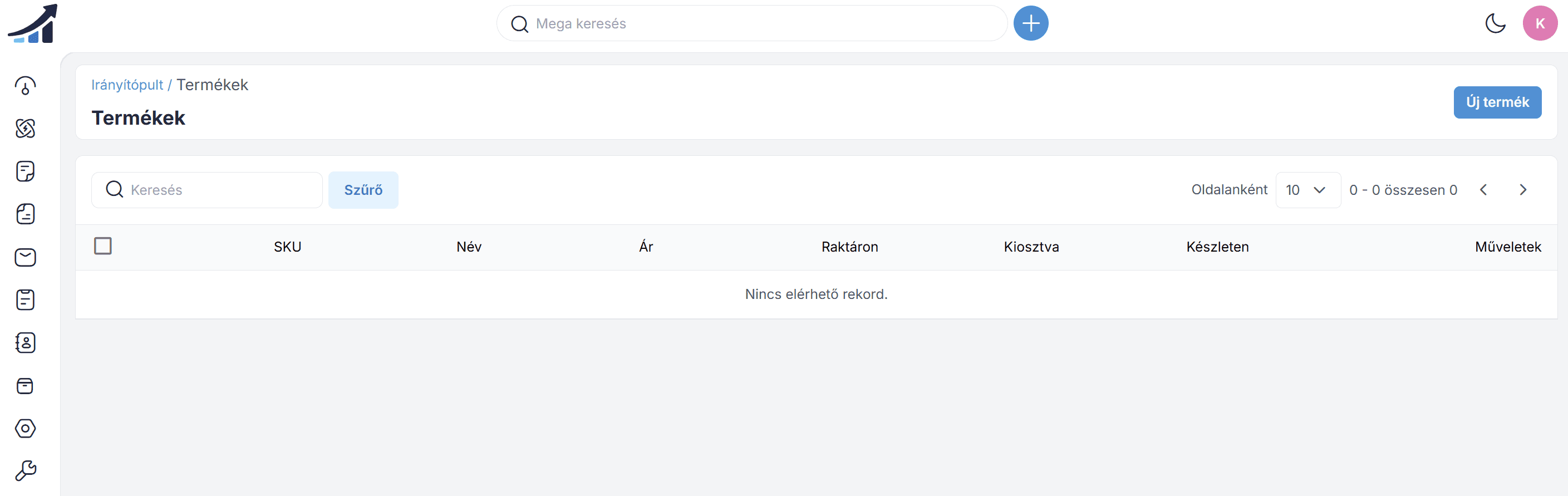
Products
The products include tools and features that enable effective customer relationship management. These include relationship management, sales automation, marketing automation, customer service and support, analytics and reporting, integration capabilities, mobile CRM, customizability and scalability, and artificial intelligence and machine learning features.
Settings
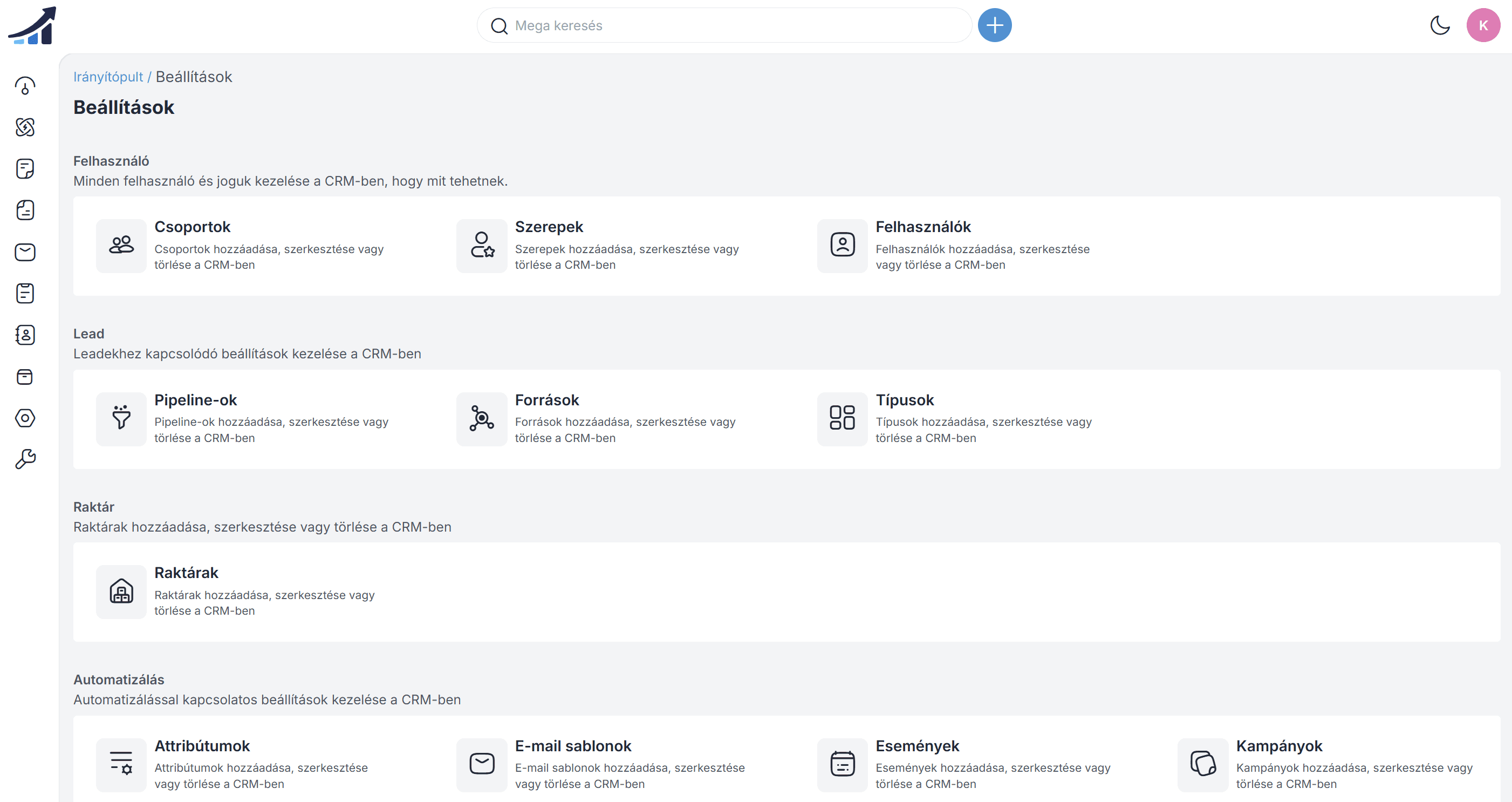
Groups are a feature that allows users to categorize or segment contacts, prospects, or customers based on certain criteria. These groups help organize data and make communication or marketing activities more effective.
Almost all of the Administration Panel can be easily managed from the Settings menu.
Configuration
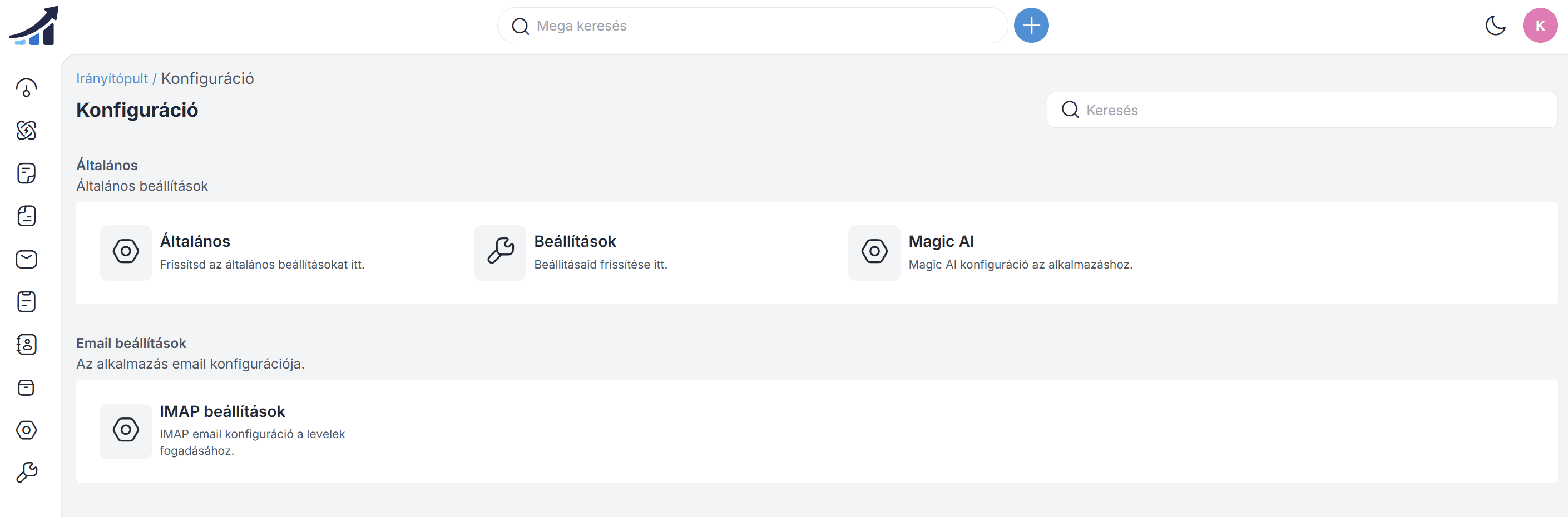
Here you can manage system settings and modify regional settings (languages).
Join our Community Forum
Any other questions? Get in touch